Retail teams must manage a wide range of merchandising activities, from deciding where products should be placed on shelves to maintaining consistency across multiple store locations. Traditionally, creating and maintaining planograms often involved spreadsheets, manual measurements, printed layouts, repeated revisions, and lengthy communication between merchandising and store teams.
Modern planogram transforms this process by bringing shelf planning, product placement, visualization, and updates into a single digital workflow. By reducing manual effort and streamlining collaboration, planogram software helps retail teams work more efficiently and respond faster to changing business requirements.
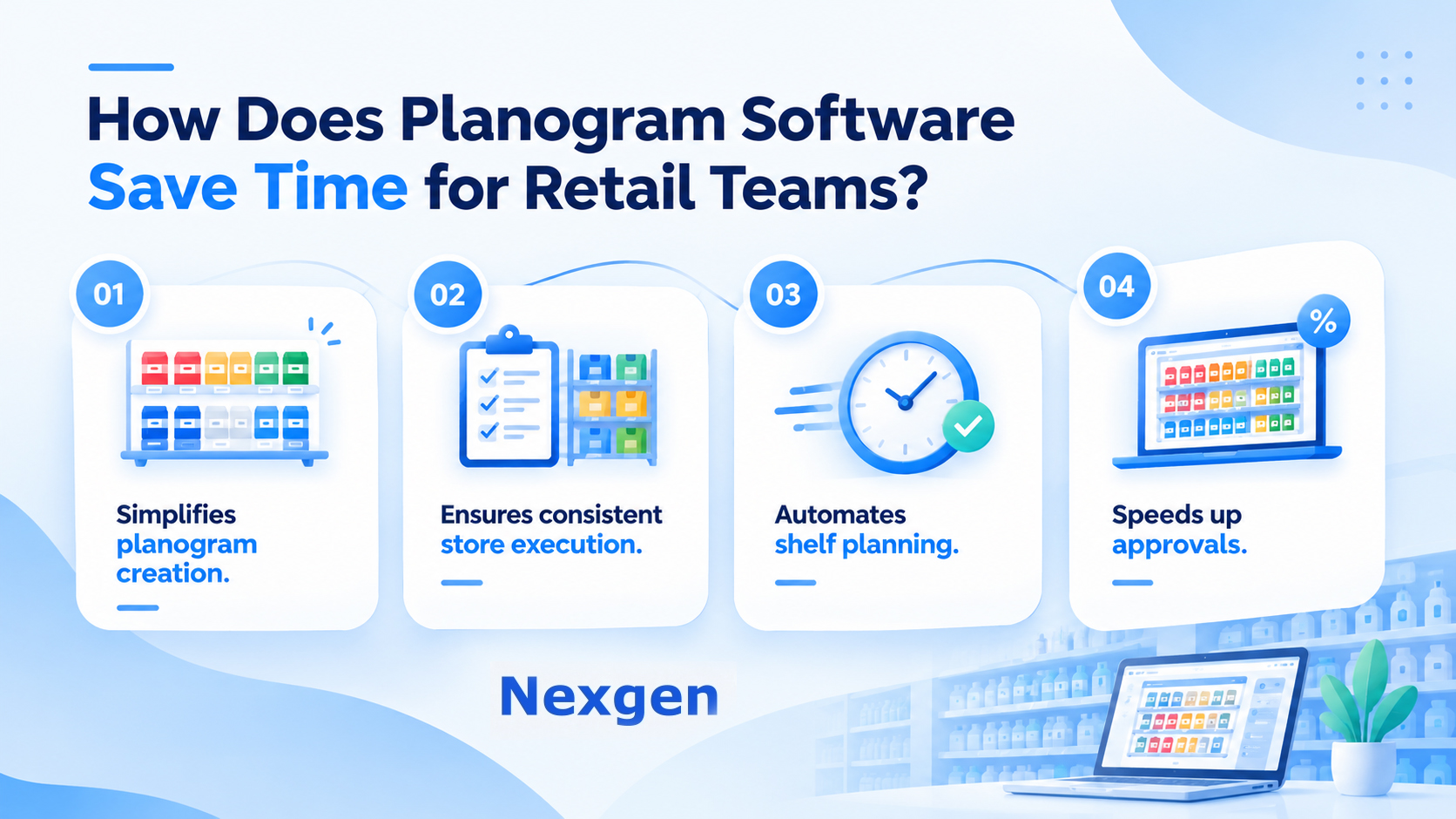
How Does Planogram Software Save Time for Retail Teams?
Planograms helps retailers automate and simplify many of the tasks involved in shelf planning and merchandising execution. From creating layouts to distributing updates across stores, digital planogramming tools help teams spend less time on repetitive work and more time on strategic decision-making.
1. Speeds Up Planogram Creation
Creating a planogram manually can take hours, especially when retailers manage hundreds of products, multiple shelf configurations, or different store formats.
Planogram software provides visual tools that allow teams to build layouts more quickly. Products can be positioned, resized, rearranged, and organized using drag-and-drop functionality rather than manually drawing layouts or managing complex spreadsheets. When changes are needed, teams can update existing planograms instead of creating new layouts from scratch.
Faster planogram creation helps merchandising teams focus more on optimizing category performance and shelf space utilization.
2. Reduces Manual Data Entry
Retail merchandising relies on product information such as SKU numbers, dimensions, categories, prices, and inventory details. Managing this information manually across multiple documents can be time-consuming and prone to errors.
Planogram software centralizes product and shelf information within a single platform. This reduces duplicate data entry and ensures teams work with more consistent information throughout the planning process.
Benefits of centralized product information include:
- Reduced administrative work.
- Fewer data entry errors.
- Improved planning accuracy.
- Better product consistency.
- Faster planogram updates.
3. Simplifies Planogram Changes
Retail layouts frequently change due to new product introductions, assortment updates, seasonal promotions, and category reviews.
Traditional planning methods often require multiple documents to be updated and redistributed whenever a change occurs. Digital planograms simplify this process by allowing teams to modify layouts directly within the software.
Merchandising teams can quickly move products, adjust facings, update shelf allocations, and create revised layouts without extensive manual work. This helps reduce the time required to maintain accurate and up-to-date planograms.
4. Improves Collaboration Between Teams
Merchandising, category management, operations, sales, and store teams often need to collaborate on product placement decisions.
When teams rely on separate spreadsheets, PDFs, and printed diagrams, communication can become slow and inconsistent. Planogram software provides a shared visual representation of shelf layouts that all stakeholders can review and understand.
This helps teams:
- Review layouts more efficiently.
- Reduce communication delays.
- Improve decision-making.
- Minimize misunderstandings.
- Accelerate approval processes.
Visual collaboration often eliminates the need for lengthy explanations and makes merchandising discussions more productive.
5. Reduces Store-Level Setup Time
Once a planogram is created, store employees must implement it correctly.
A clear visual merchandising planogram shows employees where products belong, how much shelf space they should receive, and how the completed shelf should appear.
Store teams can use these visual references to organize shelves more quickly and accurately. This reduces the time spent interpreting instructions, correcting mistakes, and seeking clarification from merchandising teams.
6. Makes Multi-Store Planogram Management Faster
Retailers operating multiple locations often need different layouts for different store sizes, regions, and fixture configurations.
Managing these variations manually can require significant time and effort. Modern planogramming tools allow teams to create base layouts and adapt them for different store requirements more efficiently.
Benefits of digital multi-store management include:
- Faster planogram adaptation.
- Improved store consistency.
- Simplified rollout management.
- Reduced duplication of work.
- More efficient merchandising operations.
This makes it easier to support large retail networks while maintaining merchandising standards.
7. Helps Identify Problems Before Implementation
Physical shelf changes can be costly and time-consuming when mistakes are discovered after implementation.
Digital visualization allows merchandising teams to identify potential issues before planograms reach the store. Teams can evaluate shelf capacity, product fit, fixture limitations, and layout practicality during the planning stage.
Identifying problems early helps retailers avoid unnecessary rework and improves the overall efficiency of store execution.
8. Makes Repetitive Merchandising Tasks More Efficient
Retail merchandising involves many recurring activities that consume valuable time.
Examples include:
- Creating similar layouts for multiple stores.
- Updating product information.
- Moving products between shelf positions.
- Preparing revised planograms.
- Managing promotional layouts.
- Checking shelf capacity.
- Communicating merchandising updates.
By automating or simplifying these activities, planogram software allows merchandising teams to focus more on category strategy, shopper experience, assortment planning, and sales growth.
What Are the Benefits of Using Planogram Software?
Beyond saving time, planogram software helps retailers improve overall merchandising performance.
Key benefits include:
- Faster planogram creation.
- Improved shelf space planning.
- Better product visibility.
- Reduced manual effort.
- Improved collaboration.
- More efficient store execution.
- Better planogram compliance.
- Improved merchandising consistency.
- Faster rollout of merchandising updates.
- Improved sales performance.
These benefits help retailers create more efficient and scalable merchandising processes across their store network.
The Future of Time-Saving Planogram Technology
Retail merchandising continues to evolve as retailers seek faster, more data-driven ways to manage shelf space and product placement.
Cloud-based planogram software, AI-assisted planning, automated recommendations, compliance monitoring, and collaborative workflows are helping retailers reduce manual effort while improving merchandising effectiveness.
As retail operations become more complex, technology will continue to play an important role in helping teams manage planograms more efficiently and respond faster to changing market conditions.
Overview of Nexgen POG
Nexgen POG is a robust and user-friendly cloud-based visual merchandising tool designed for quick and efficient planogramming. Planograms can be created using simple drag-and-drop functionality, enabling retailers to develop layouts faster while reducing manual effort.
Its multi-device compatibility allows users to access, share, and edit planograms from desktops, tablets, and smartphones. Nexgen POG helps retailers create store-specific planograms that improve product visibility, planogram compliance, and sales performance.
Nexgen POG also offers AI-powered capabilities including AI Autofill Assortments, AI Compliance Check, AI Product Assortment recommendations, and AI Prompt-assisted planogram creation. These features help streamline merchandising workflows, accelerate planning, improve consistency, and support faster retail execution across multiple stores.
Get Your Free Trial Today!
FAQ
1. How does planogram software save time for retail teams?
Planogram software reduces manual work by simplifying shelf planning, product placement, layout updates, collaboration, and store execution within a centralized digital environment.
2. Why is digital planogram creation faster than manual planning?
Digital tools allow teams to create, edit, and update shelf layouts using visual interfaces instead of spreadsheets, drawings, or printed layouts, significantly reducing planning time.
3. How does planogram software improve collaboration?
It provides a shared visual representation of shelf layouts, allowing merchandising, operations, category management, and store teams to review and communicate changes more efficiently.
4. Can planogram software support multiple store formats?
Yes. Planogram software helps retailers create, manage, and adapt layouts for different store sizes, regions, assortments, and fixture configurations.
5. What role does AI play in planogram software?
AI can assist with assortment recommendations, product placement, shelf space optimization, compliance monitoring, and planogram creation, helping teams make faster and more informed merchandising decisions.